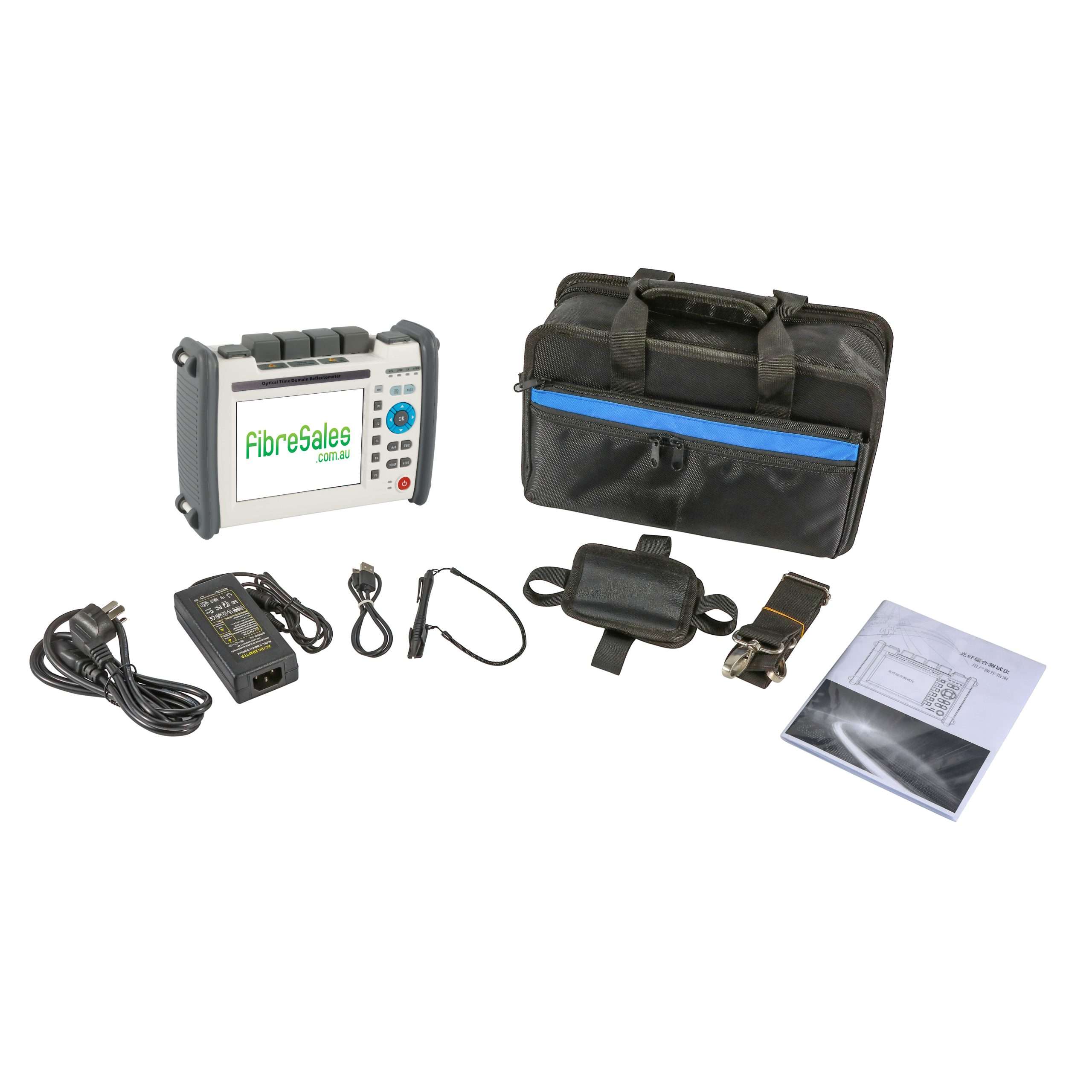
Traditional OTDRs use a single wavelength. The Quad OTDR uses four—850 nm, 1300 nm, 1310 nm, and 1550 nm. This provides more accurate and detailed fibre assessments. Different wavelengths interact differently with the fibre, revealing loss, reflections, and dispersion. This precision helps detect and fix faults faster.
Enhanced Fault Detection and Localization
The Quad OTDR’s multiple wavelengths improve fault detection. It can distinguish splices, connectors, and bends with greater accuracy. This helps technicians quickly find and resolve signal loss or degradation, reducing downtime.
Optimised Performance in Dense Networks
Modern fibre networks use different fibre types and cable constructions. Traditional OTDRs struggle to differentiate between them. The Quad OTDR adapts to various fibres and cable layouts, making troubleshooting more effective.
Navigating Fibre Optic Realms – Future-Proofing and Flexibility
As fibre networks evolve, the need for higher data rates grows. Quad OTDRs support current and future network infrastructure. Their multi-wavelength capabilities align with ongoing advancements in fibre technology.
Time and Cost Savings
Quad OTDRs speed up troubleshooting by delivering accurate results quickly. Testing multiple wavelengths at once reduces the need for repeated tests. Faster fault detection lowers operational costs and improves network uptime. By minimizing downtime, they help companies maintain service quality and customer satisfaction. This efficiency translates into significant cost savings and better resource allocation.
Navigating Fibre Optic Realms – User-Friendly Interface
Despite its advanced features, the Quad OTDR remains easy to use. It includes intuitive controls, automated functions, and a user-friendly interface. Technicians of all skill levels can operate it efficiently, making it a valuable tool for network maintenance. Its accessibility allows even less-experienced technicians to become proficient quickly, reducing training time and increasing productivity. The combination of simplicity and powerful functionality improves overall network management.