PoE vs PoE+ vs PoE++ | Which Power over Ethernet Standard Do You Need?
What’s the Difference?
PoE vs PoE+ vs PoE++ is one of the most common questions asked when designing or upgrading an Ethernet network. While all three technologies deliver both electrical power and network data through a single Ethernet cable, they differ significantly in the amount of power they can supply, the devices they support and the applications they are designed for.
Selecting the correct Power over Ethernet (PoE) standard is essential for ensuring reliable operation of connected devices such as IP security cameras, wireless access points, VoIP telephones, digital signage and intelligent building systems.
All three standards are defined by the IEEE 802.3 Power over Ethernet Standard and remain fully compatible with standard structured cabling systems installed in accordance with the ANSI/TIA-568 Structured Cabling Standard.
This guide explains the differences between IEEE 802.3af (PoE), IEEE 802.3at (PoE+) and IEEE 802.3bt (PoE++), compares their capabilities and helps you determine which standard best suits your network.
What Is Power over Ethernet?
Power over Ethernet (PoE) allows a single Ethernet cable to carry both network data and electrical power between a network switch and a compatible device.
Instead of installing separate electrical outlets, PoE enables devices to receive power directly through the structured cabling system.
Common PoE-powered devices include:
- IP security cameras.
- Wireless access points.
- VoIP telephones.
- Access control systems.
- Building automation controllers.
- Digital signage.
- LED lighting.
- Network sensors.
When combined with professionally manufactured Cat6 Patch Cables, PoE simplifies installation, reduces infrastructure costs and provides centralised power management for commercial Ethernet networks.
For a detailed explanation of how Power over Ethernet works, read Understanding PoE and Ethernet Cables | Complete Guide.
Comparing PoE Standards
The three IEEE Power over Ethernet standards build upon one another by increasing the amount of power available to connected devices while maintaining full backward compatibility.
| Feature | PoE | PoE+ | PoE++ Type 3 | PoE++ Type 4 |
|---|---|---|---|---|
| IEEE Standard | IEEE 802.3af | IEEE 802.3at | IEEE 802.3bt | IEEE 802.3bt |
| Maximum Power from Switch (PSE) | 15.4 W | 30 W | 60 W | 90 W |
| Maximum Power to Device (PD) | 12.95 W | 25.5 W | 51 W | 71–73 W |
| Powered Pairs | 2 | 2 | 4 | 4 |
| Typical Applications | VoIP phones, basic IP cameras | PTZ cameras, Wi-Fi access points | High-performance wireless access points | Digital signage, LED lighting, thin clients |
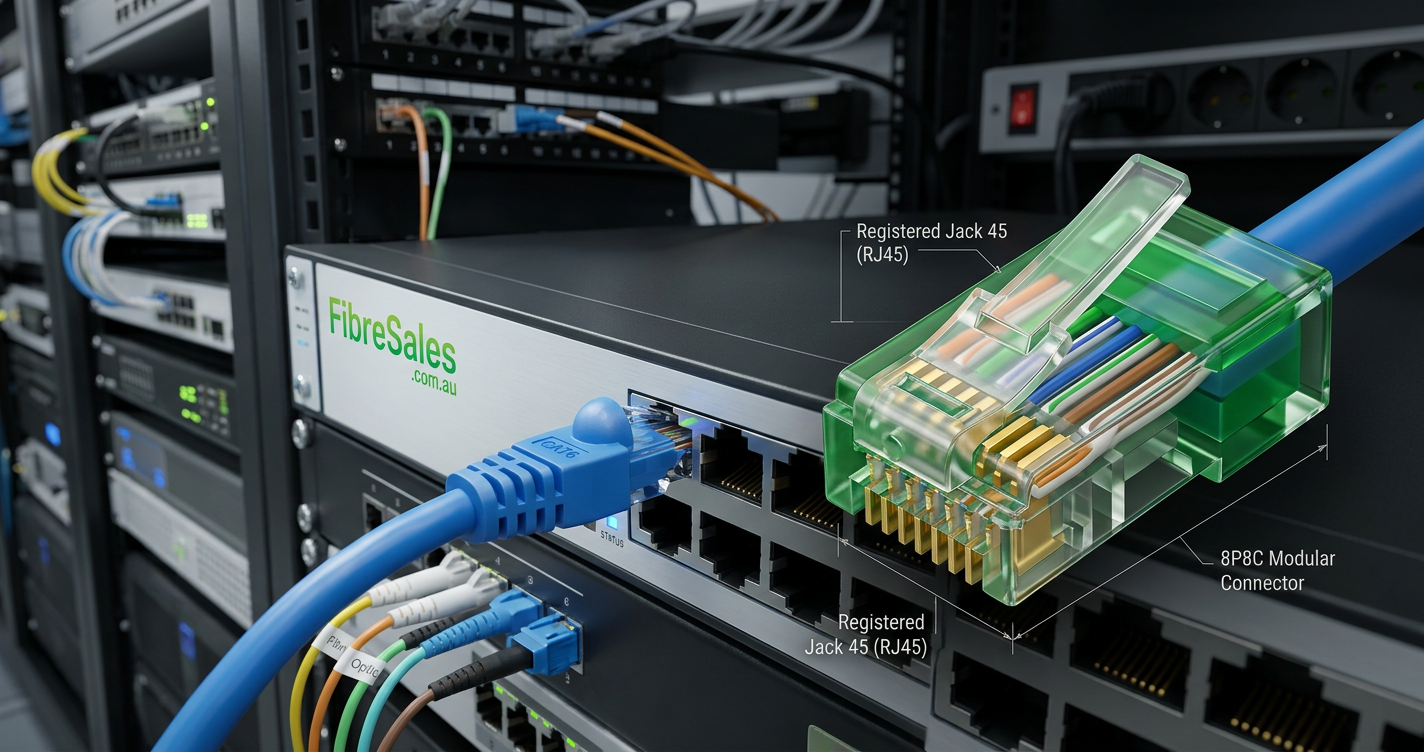
Although each standard delivers more power than its predecessor, they all use the same standard RJ45 connector and Ethernet cabling infrastructure.
IEEE 802.3af (PoE)
The original IEEE 802.3af standard introduced Power over Ethernet and transformed network installations by allowing low-power devices to receive both data and power through a single Ethernet cable.
Typical applications include:
- VoIP telephones.
- Fixed IP security cameras.
- Access control readers.
- Environmental monitoring sensors.
- Basic wireless access points.
With a maximum output of 15.4 watts at the power sourcing equipment (PSE), IEEE 802.3af remains suitable for many lower-power Ethernet devices found in commercial offices, schools and healthcare facilities.
IEEE 802.3at (PoE+)
As network devices became more capable, additional electrical power became necessary.
The IEEE 802.3at standard, commonly known as PoE+, doubles the available power to support more demanding applications.
PoE+ is commonly used for:
- Pan-tilt-zoom (PTZ) security cameras.
- Wi-Fi 5 and Wi-Fi 6 wireless access points.
- Video conferencing equipment.
- Advanced VoIP telephones.
- Building management systems.
By delivering up to 30 watts, PoE+ has become one of the most widely deployed Power over Ethernet standards across modern commercial networks.
Engineering Decision
Selecting the correct PoE standard should begin with the connected device rather than the network switch.
Low-power devices such as VoIP telephones and fixed IP cameras often operate perfectly with IEEE 802.3af. However, modern wireless access points, PTZ cameras and intelligent building systems frequently require the additional power available from IEEE 802.3at or IEEE 802.3bt.
Choosing a switch with sufficient power capacity from the outset simplifies future network expansion, reduces equipment replacement costs and helps ensure new devices remain fully supported as network requirements evolve.
IEEE 802.3bt (PoE++)
As network technology continued to evolve, many connected devices began requiring significantly more power than PoE+ could provide.
The IEEE 802.3bt standard, commonly known as PoE++, addresses this need by delivering substantially higher power levels while remaining fully compatible with existing Power over Ethernet technology.
Unlike earlier standards that supply power over two twisted pairs, IEEE 802.3bt uses all four twisted pairs within the Ethernet cable to increase the available power.
PoE++ supports devices such as:
- Wi-Fi 6E and Wi-Fi 7 wireless access points.
- High-performance PTZ security cameras.
- Digital signage.
- LED lighting systems.
- Thin client computers.
- Building management controllers.
- Interactive information kiosks.
Depending on the implementation, IEEE 802.3bt supports:
- Type 3 – up to 60 watts from the power sourcing equipment (PSE).
- Type 4 – up to 90 watts from the power sourcing equipment (PSE).
As commercial buildings continue adopting higher-powered connected devices, IEEE 802.3bt has become the preferred standard for new enterprise network deployments.
Understanding Power Sourcing Equipment (PSE) and Powered Devices (PD)
Every Power over Ethernet installation consists of two key components.
Power Sourcing Equipment (PSE)
Power Sourcing Equipment supplies electrical power to the Ethernet cable.
Common examples include:
- PoE network switches.
- PoE injectors.
- Mid-span injectors.
The PSE automatically detects whether the connected device supports Power over Ethernet before supplying operating voltage, helping protect non-PoE equipment.
Powered Device (PD)
A Powered Device receives both network connectivity and electrical power through the Ethernet cable.
Examples include:
- IP security cameras.
- Wireless access points.
- VoIP telephones.
- Access control systems.
- Digital signage.
- Network sensors.
- Smart building controllers.
Modern IEEE-compliant Powered Devices negotiate their power requirements with the Power Sourcing Equipment before normal operation begins.
Which PoE Standard Should You Choose?
Selecting the correct Power over Ethernet standard depends entirely on the connected device.
Choose PoE (IEEE 802.3af) if you are powering:
- VoIP telephones.
- Fixed IP security cameras.
- Door access readers.
- Environmental sensors.
- Basic wireless access points.
PoE remains an economical solution for lower-power devices while providing all the benefits of centralised power management.
Choose PoE+ (IEEE 802.3at) if you are installing:
- PTZ security cameras.
- Wi-Fi 5 access points.
- Wi-Fi 6 access points.
- Video conferencing systems.
- Advanced VoIP phones.
- Building automation equipment.
PoE+ has become the standard choice for many modern commercial office networks because it provides additional capacity without the higher cost of PoE++ infrastructure.
Choose PoE++ (IEEE 802.3bt) if you need to support:
- Wi-Fi 6E and Wi-Fi 7 access points.
- Large digital signage.
- Intelligent LED lighting.
- High-performance surveillance cameras.
- Thin client computers.
- Smart building infrastructure.
If you’re designing a new commercial network, PoE++ provides the greatest flexibility for future expansion and supports the increasing power requirements of next-generation network devices.
Are All PoE Standards Backwards Compatible?
Yes.
One of the major advantages of IEEE Power over Ethernet is backward compatibility.
A higher-capacity PoE switch automatically detects the connected device and supplies only the power it requires.
For example:
- A PoE++ switch can safely power a PoE VoIP telephone.
- A PoE+ switch can power a PoE IP camera.
- A PoE device connected to a PoE++ switch simply draws the lower amount of power it needs.
This automatic negotiation allows organisations to upgrade their network infrastructure gradually without replacing every connected device.
Why Future-Proofing Matters
Power requirements continue to increase as network devices become more capable.
Modern wireless access points, AI-enabled security cameras, digital signage and smart building technologies often require substantially more power than earlier generations of equipment.
When purchasing new PoE switches, organisations should consider not only today’s requirements but also future expansion.
Installing higher-capacity PoE infrastructure today may reduce upgrade costs tomorrow by allowing additional devices to connect without replacing the network switch.
Engineering Decision
Many organisations focus on the purchase price of a PoE switch rather than its long-term capability. However, selecting the correct IEEE standard should reflect the devices the network will support over the next five to ten years.
For lower-power applications, IEEE 802.3af remains an excellent choice. For most modern commercial installations, IEEE 802.3at provides the flexibility required for today’s wireless networking and surveillance systems. Where future expansion, intelligent building systems or high-power devices are expected, IEEE 802.3bt offers the greatest long-term value and helps reduce the likelihood of costly infrastructure upgrades.
PoE Power Budget Explained
Selecting the correct Power over Ethernet standard involves more than checking the wattage of a single connected device. Every PoE switch has a power budget, which is the total amount of electrical power it can supply across all of its ports simultaneously.
For example, a 24-port PoE+ switch may support PoE+ on every port but have a total power budget of 370 watts. If the combined power requirements of all connected devices exceed that budget, additional devices may not receive power.
Before purchasing a PoE switch, calculate:
- The power required by each connected device.
- The total number of powered devices.
- Future expansion requirements.
- Available switch power budget.
Planning for future growth often avoids expensive switch upgrades as additional devices are added to the network.
Typical Power Requirements
The table below provides general examples of the PoE standard commonly used for different network devices.
| Device | Typical PoE Standard |
|---|---|
| VoIP Telephone | IEEE 802.3af (PoE) |
| Fixed IP Camera | IEEE 802.3af (PoE) |
| Door Access Controller | IEEE 802.3af (PoE) |
| Wi-Fi 5 Access Point | IEEE 802.3at (PoE+) |
| Wi-Fi 6 Access Point | IEEE 802.3at (PoE+) |
| PTZ Security Camera | IEEE 802.3at (PoE+) |
| Wi-Fi 6E / Wi-Fi 7 Access Point | IEEE 802.3bt (PoE++) |
| Digital Signage | IEEE 802.3bt (PoE++) |
| LED Lighting | IEEE 802.3bt (PoE++) |
| Thin Client Computer | IEEE 802.3bt (PoE++) |
Actual power requirements vary between manufacturers, so installers should always verify the specifications of the connected equipment before selecting a PoE switch.
Common Mistakes When Choosing a PoE Standard
Many network problems occur because the installed PoE infrastructure does not match the power requirements of connected devices.
Common mistakes include:
Buying the Cheapest PoE Switch
Entry-level PoE switches work well for basic devices, but they may not provide enough power for modern wireless access points or PTZ cameras.
Always select the switch based on the connected devices rather than the purchase price alone.
Ignoring the Power Budget
Some installers assume every PoE port can deliver maximum power simultaneously.
In reality, every switch has a total power budget that all connected devices share.
Calculating the combined power requirements before installation helps avoid unexpected power shortages.
Forgetting About Future Expansion
Many commercial networks grow over time.
Additional access points, surveillance cameras or building automation equipment may require more power than the original switch can provide.
Choosing a higher-capacity switch during the initial installation often proves more economical than replacing network infrastructure a few years later.
Assuming Every Device Needs PoE++
Not every powered device requires the highest available power level.
Many VoIP telephones, fixed IP cameras and sensors operate perfectly using standard IEEE 802.3af.
Selecting the appropriate standard helps reduce equipment costs while delivering reliable performance.
Real-World Installation Example
A contractor is designing the network for a new three-storey office building.
The project includes:
- Twenty VoIP telephones.
- Twelve Wi-Fi 6 access points.
- Eighteen IP security cameras.
- Four PTZ security cameras.
- Access control systems throughout the building.
Although many of the connected devices require only PoE or PoE+, the contractor specifies IEEE 802.3bt switches with a generous power budget.
This approach provides sufficient capacity for future wireless upgrades, additional surveillance cameras and smart building technologies without replacing the switching infrastructure.
Although the initial investment is slightly higher, the organisation avoids major upgrade costs as the network expands.
Choosing the Right Ethernet Cabling
Regardless of which Power over Ethernet standard you select, reliable cabling remains essential.
Professionally manufactured Cat6 Patch Cables support modern PoE applications while delivering dependable network performance.
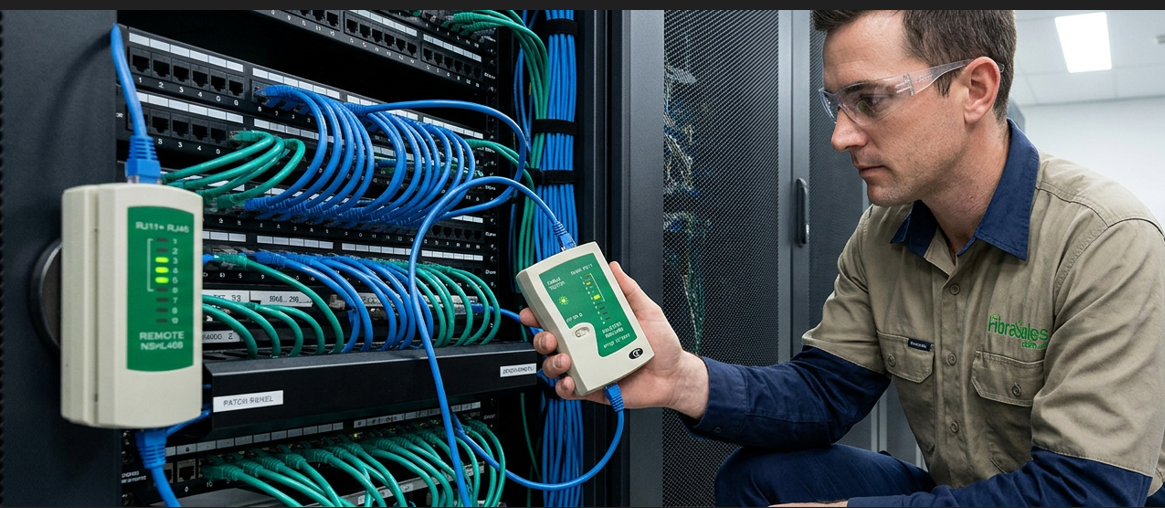
When installing custom Ethernet cabling, use quality RJ45 Crimping Tools, RJ45 Connectors and verify every connection using the procedures outlined in our Ethernet Cable Testing Guide.
Correct installation practices help minimise voltage drop, maintain network reliability and support long-term Power over Ethernet performance.
Engineering Decision
The best Power over Ethernet standard is not necessarily the most powerful one—it is the one that matches your devices while allowing reasonable capacity for future growth.
For smaller installations, IEEE 802.3af often provides everything required. Most modern commercial networks benefit from IEEE 802.3at, while organisations deploying Wi-Fi 6E, Wi-Fi 7, intelligent building systems or high-power network equipment should strongly consider IEEE 802.3bt.
Selecting the correct PoE standard, calculating the switch power budget and using quality Ethernet cabling creates a network that remains reliable, scalable and ready for future expansion.
Frequently Asked Questions
What is the difference between PoE, PoE+ and PoE++?
The primary difference is the amount of electrical power each standard can deliver.
- PoE (IEEE 802.3af) supplies up to 15.4 watts.
- PoE+ (IEEE 802.3at) supplies up to 30 watts.
- PoE++ (IEEE 802.3bt) supplies up to 60 watts (Type 3) or 90 watts (Type 4).
Each successive standard supports higher-powered network devices while remaining backward compatible with earlier IEEE PoE standards.
Which PoE standard should I choose?
Choose the standard that matches the power requirements of your connected devices.
As a general guide:
- PoE (IEEE 802.3af) — VoIP telephones, fixed IP cameras and sensors.
- PoE+ (IEEE 802.3at) — PTZ cameras, Wi-Fi 5 and Wi-Fi 6 access points.
- PoE++ (IEEE 802.3bt) — Wi-Fi 6E, Wi-Fi 7, digital signage, LED lighting and intelligent building systems.
If you’re planning future expansion, selecting a higher-capacity PoE switch can provide greater flexibility.
Is PoE++ backwards compatible?
Yes.
IEEE 802.3bt equipment automatically negotiates power with the connected device.
For example, a PoE++ switch can safely power devices designed for IEEE 802.3af or IEEE 802.3at without causing damage.
This backward compatibility allows organisations to upgrade network infrastructure without replacing every connected device.
Does PoE+ use different Ethernet cables?
No.
PoE, PoE+ and PoE++ all use standard Ethernet cabling.
Professionally manufactured Cat6 Patch Cables support all modern IEEE Power over Ethernet standards when used within their specified performance limits.
Can I connect a non-PoE device to a PoE switch?
Yes.
IEEE-compliant PoE switches first determine whether a connected device supports Power over Ethernet.
If the device does not request power, the switch establishes a normal Ethernet data connection without supplying operating voltage.
What is a PoE power budget?
A PoE power budget is the total amount of electrical power a switch can deliver across all of its PoE ports.
For example, a switch may provide PoE on every port but still have a maximum total power budget. If the combined power requirements of connected devices exceed that limit, additional devices may not receive power.
Calculating the power budget is an important step when designing commercial Ethernet networks.
Does PoE++ require special RJ45 wiring?
No.
All IEEE Power over Ethernet standards use the same standard T568A or T568B Ethernet wiring sequence.
The difference lies in the amount of electrical power delivered, not the RJ45 pinout.
For a detailed explanation, see PoE RJ45 Pinout Explained.
Is PoE++ worth the extra cost?
For many commercial installations, yes.
Although PoE++ switches typically cost more than PoE or PoE+ equipment, they provide greater flexibility for future expansion and support higher-powered devices without requiring additional electrical infrastructure.
For networks expected to grow over time, the additional investment can reduce future upgrade costs.
Why fibreSales?
Whether you’re deploying a small office network or designing a large commercial structured cabling system, selecting the correct Power over Ethernet standard is only part of the solution. Reliable performance also depends on quality cabling, professional installation practices and standards-compliant networking components.
fibreSales supplies professionally manufactured Cat6 Patch Cables together with RJ45 Crimping Tools, RJ45 Connectors, Cable Testers, Keystone Jacks, Wire Strippers and Punch-down Tools to help build reliable Power over Ethernet infrastructure for today’s networks and tomorrow’s technology.
Conclusion
Choosing between PoE, PoE+ and PoE++ is not simply a matter of selecting the highest available power. The best solution depends on the connected devices, the switch power budget and the future growth of the network.
IEEE 802.3af continues to serve lower-power devices effectively, IEEE 802.3at has become the preferred choice for many modern commercial networks, while IEEE 802.3bt provides the capacity required for today’s most demanding wireless, surveillance and intelligent building applications.
By understanding the differences between each Power over Ethernet standard and planning for future expansion, organisations can build scalable, efficient Ethernet networks that support current requirements while remaining ready for tomorrow’s technologies.
For quality networking products, technical resources and professional Ethernet solutions, visit www.fibresales.com.au.
Continue Learning
Expand your networking knowledge with these related fibreSales resources:
- Understanding PoE and Ethernet Cables | Complete Guide
- PoE RJ45 Pinout Explained
- RJ45 Pinout: How to Wire Ethernet Cables Step-by-Step
- RJ45 Connectors Explained
- Ethernet Cable Testing Guide
- Why Most Ethernet Networks Use T568B
- Copper Networking Explained | The Complete Guide to Ethernet Networks
- Copper Patch Leads Explained | The Complete Guide to Ethernet Patch Cables
References
- IEEE 802.3 Power over Ethernet Standard
- IEEE 802.3 Ethernet Standard
- ANSI/TIA-568 Structured Cabling Standard
- ISO/IEC 11801 Generic Cabling Standard
- BICSI Telecommunications Distribution Methods Manual (TDMM)
- ACMA Cabling Standards
Related Products
You may also be interested in: