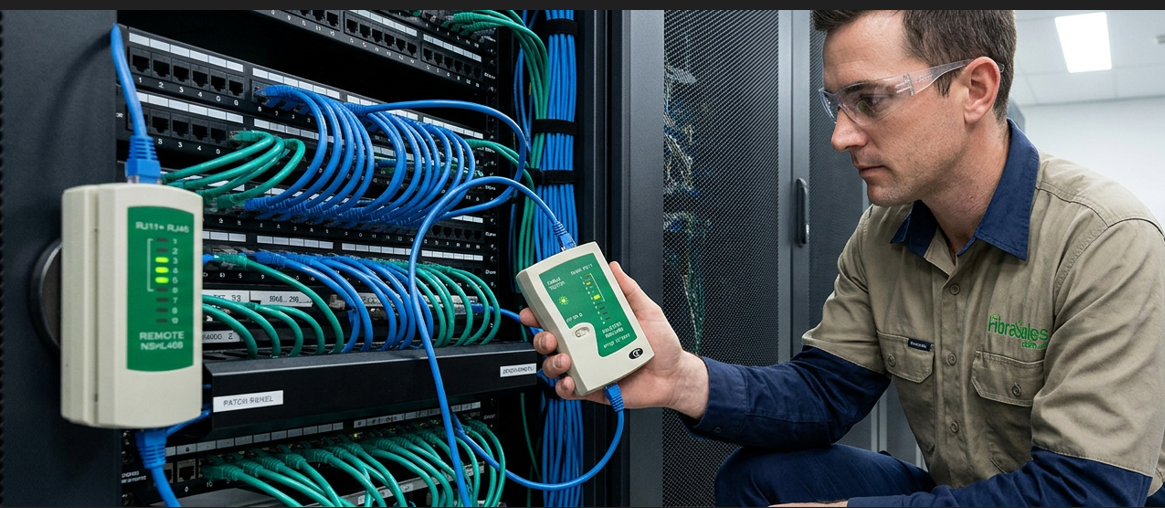
One-Click Cleaning – A fibre optic one-click cleaner is a handy tool for removing dust and dirt from the ceramic ferrule end face. It offers a quick and efficient way to clean connectors, whether on patch cables, inside adapters, or within test and measurement equipment.
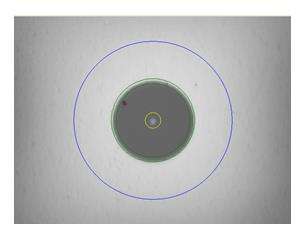
With a simple push, the cleaning pen advances an optical-grade cleaning tape while rotating the tip. This ensures a thorough clean without cross-contamination. The dry cloth cleaning method effectively removes dust, dirt, and oil without damaging the fibre end face.
Key Benefits;
- Designed for single-fibre connectors in adapters, faceplates, or bulkheads.
- Removes contaminants effectively, including dust and oils.
- Provides over 750 cleanings per unit.
- Simple push mechanism for easy operation.
- Made from antistatic resins.
- Uses dense, debris-free cleaning microfibres.
- Features an extendable tip for recessed connectors.
- Available in multiple types for different ferrule sizes.
Why Multiple Cleaning Pens?
Advancements in technology and high-density cable management have led to various connector ferrule sizes. The traditional 2.5mm ferrule has been joined by the smaller 1.25mm ferrule and the MPO/MTP end face, which supports multiple fibres. Each requires a specific cleaning pen.
Cleaning Pens for different Ferrule Designs:
2.5mm Ferrule Cleaning Pen
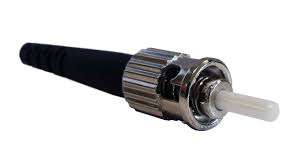
2.5mm Ceramic Ferrule
The original 2.5mm ceramic ferrule is used in ST, SC, and FC connectors. The 2.5mm one-click cleaner is designed to clean these connectors efficiently.
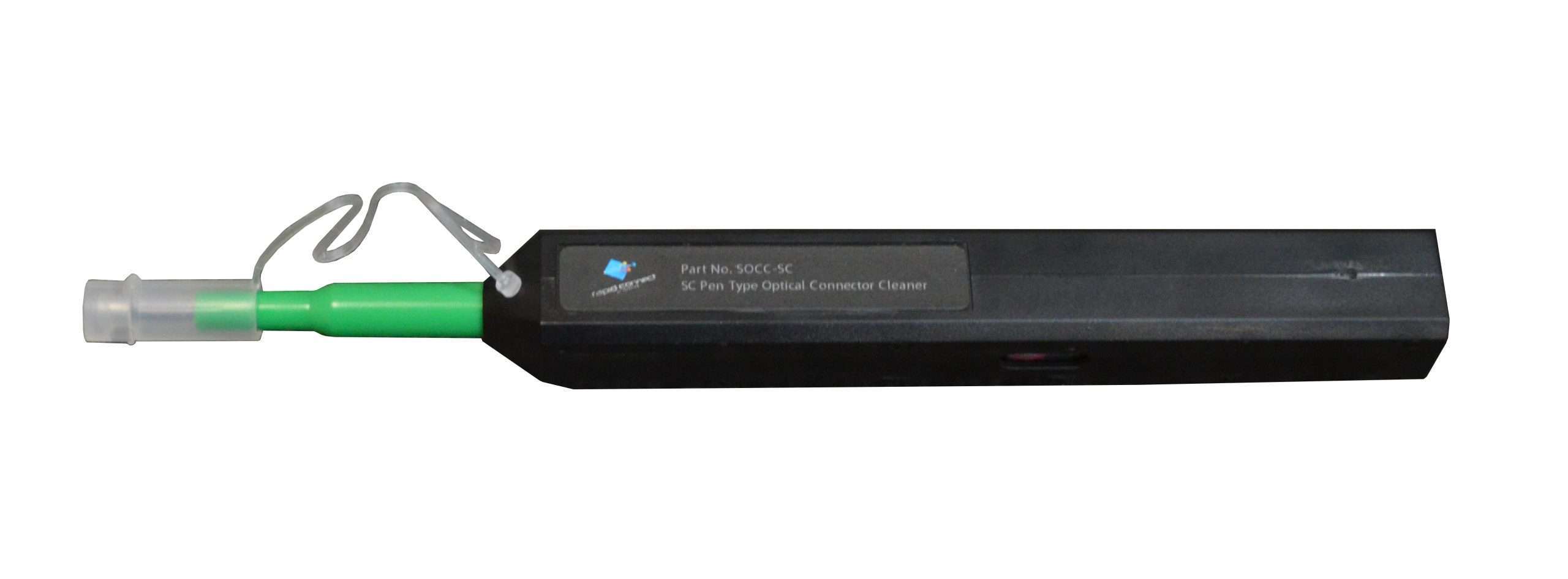
1.25mm Ferrule Cleaning Pen
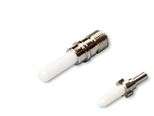
2.5mm Ceramic Ferrule
vs
1.25mm Ceramic Ferrule
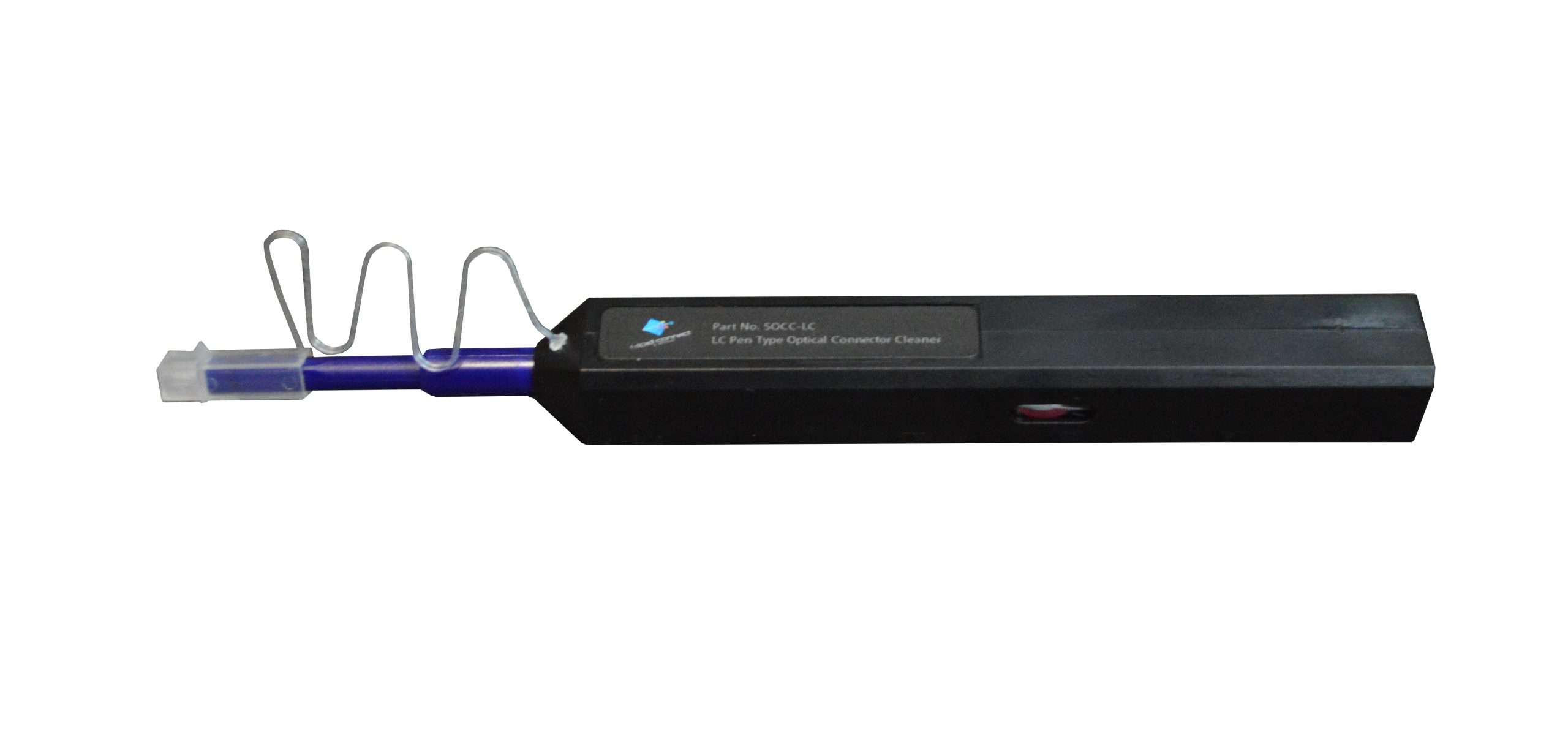
LC connectors use a 1.25mm ferrule, which is half the size of an SC connector. These are common in high-density connections and SFP transceiver modules. A dedicated 1.25mm one-click cleaner is necessary for proper cleaning.
MPO/MPT Cleaning Pen
MPO/MTP connectors house multiple fibres in a single unit, commonly in 8, 12, or 24-fibre configurations. These connectors require a specialized one-click cleaner to handle multi-fibre cleaning. The industry offers two versions: the standard MPO cleaner and the IBC MTP cleaning pen.

Conclusion
One-click cleaners provide a fast, cost-effective way to maintain clean fibre optic connectors. Widely used across the industry, they save time and ensure optimal performance. Every technician should have one in their toolkit.