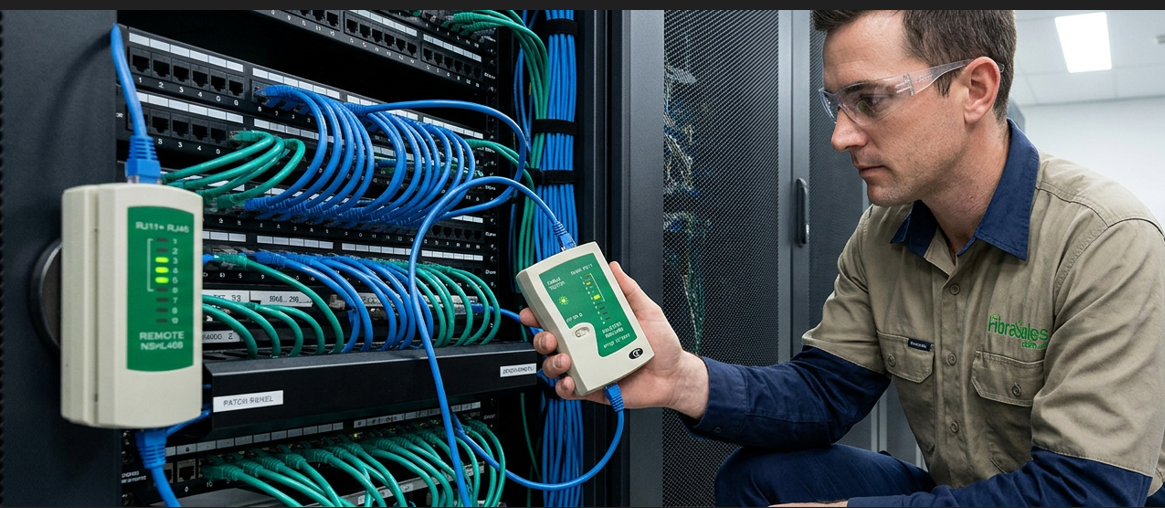
Fibre Optic Cable Maintenance and Troubleshooting
Fibre optic cables are essential for maintaining high-speed and reliable network connectivity. While they are incredibly efficient, they do require periodic maintenance and, at times, repairs. If installed correctly, your fibre optic network should operate smoothly. However, due to their delicate nature, fibre optic cables are more vulnerable to damage than traditional copper cables.
To keep your network running at peak performance, it’s crucial to identify and address potential issues early. Below, we explore common fibre optic cable problems and provide troubleshooting solutions.
Common Fibre Optic Cable Issues and How to Address Them
Defective splices in optic cables
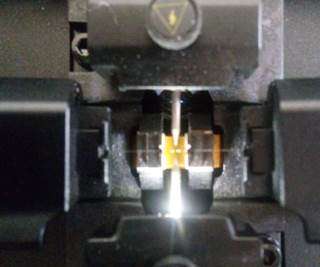
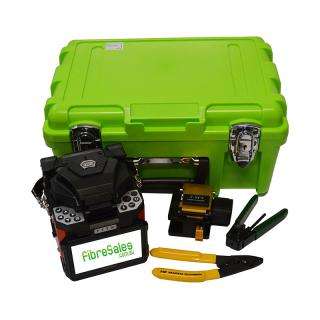
Optic Cable – F7 Fusion Splicer
Splicing is a common technique used in fibre optic networks to join cables together. However, improper splicing can result in significant signal loss. It is essential to rely on skilled professionals to perform splicing using advanced equipment such as the F7 Fusion Splicer. Using high-quality connectors is equally important—faulty or incompatible connectors will almost certainly cause connectivity issues.

Solution: If you notice a drop in signal strength, inspect the connectors and splices. If a connector is defective, replacing it is the best option. If the splice is faulty, a professional should redo the splicing with precision.
Excessive Splices and Connectors
Although splices and connectors are necessary components of fibre optic networks, having too many in one location can lead to signal degradation. Each splice or connection introduces a small amount of loss, and when they accumulate, it can significantly impact network performance.
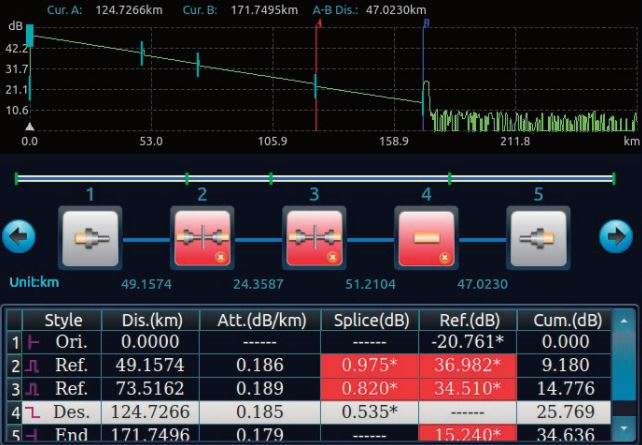
Solution: If excessive splicing is causing performance issues, replacing the affected section of the cable or consolidating the splices can help restore efficiency.
Broken Fibre Optic Cables
Fibre optic cables are designed to withstand a certain amount of bending and stretching, but excessive force can damage them. If the cable is bent beyond its minimum bend radius or stretched too far during installation, it can result in micro-cracks or complete breakage, leading to connectivity problems.

Solution: Conduct a thorough visual inspection of your fibre optic cables, paying close attention to any sharply bent or stretched sections. If you discover any physical damage, replacing the affected cable is the best course of action.
Troubleshooting Fibre Optic Cable Issues
Network diagnostics can be complex, especially when dealing with fibre optic cables. Identifying the root cause of a connectivity issue requires systematic troubleshooting. Here are some common issues and how to resolve them:
- Low-quality fibre optic cables or connectors: Using inferior components can lead to frequent failures and signal loss. Always opt for high-grade materials.
- Over-extended fibre optic spans: If the cable exceeds its recommended length, signal loss will increase. Use repeaters or signal boosters if necessary.
- Faulty splicing or excessive splicing: Poorly executed splicing or an excessive number of splices can degrade signal quality. A technician should re-splice or reduce the number of splices where possible.
- Loose or faulty connections in the splice tray or patch panel: A loose connection can disrupt signal transmission. Ensure all connections are secure and properly seated.
Conclusion
To maintain the highest level of network efficiency, it’s essential to regularly test for signal loss and inspect cables for physical damage.
If you suspect a cable is faulty, use optical testing tools such as an Optical Time-Domain Reflectometer (OTDR) to diagnose issues. If repair is not feasible, replacing the damaged section of the fibre optic cable may be necessary.
We provide high-grade fibre optic cables and professional assistance to help you maintain a seamless network. If you need expert advice or high-quality replacement cables, don’t hesitate to reach out to us.
Contact us today—we are here to help!