Why 1G vs 10G Ports Cause Compatibility Problems
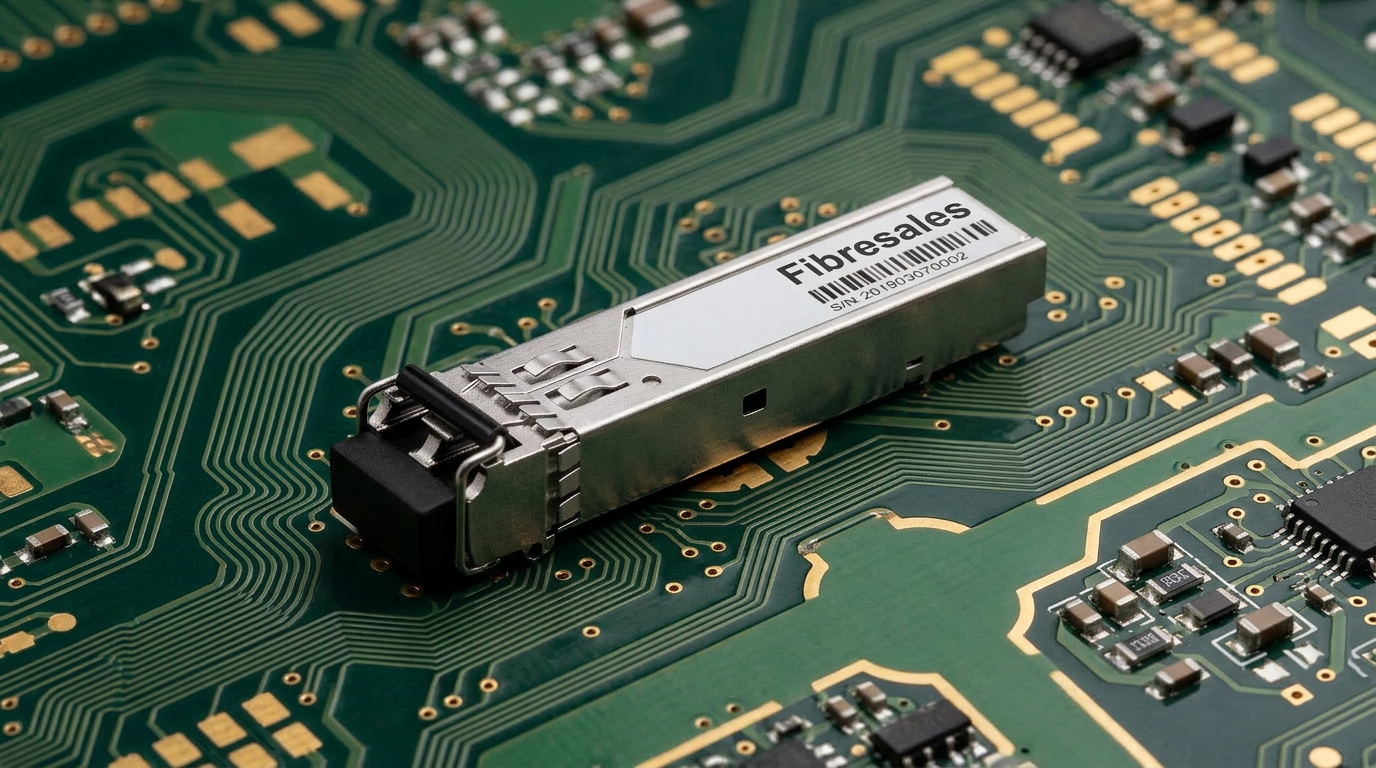
1G vs 10G ports can look almost identical, yet they do not automatically operate together. This creates a common source of confusion for contractors, IT teams and network administrators upgrading fibre infrastructure.
A typical question is:
Can I plug a 1G SFP into a 10G SFP+ port?
The answer is: sometimes, but only when the host equipment specifically supports operation at both speeds.
Some SFP+ ports support compatible 1G SFP modules and can operate at the lower rate. Others are 10G-only. Therefore, the physical fit of an SFP module does not prove electrical, signalling or host-device compatibility.
This distinction matters during upgrades. A contractor may replace an older switch with newer 10G-capable equipment while retaining existing 1G fibre links. If the new ports do not support 1G operation, inserting the existing SFP modules will not establish a link even though the modules fit physically.
For that reason, always check the supported port speeds and transceiver requirements of the specific network device before purchasing modules or planning an upgrade.
For a broader explanation of module types, wavelengths, fibre selection and host compatibility, see the SFP Transceivers Explained guide
This article stays focused on the narrower question: why 1G and 10G ports differ, when they can operate together and how to choose the correct upgrade path.
The Quick Answer: Can 1G and 10G Ports Work Together?
Not automatically.
There are three practical situations:
| Port situation | Will it work? | What to check |
|---|---|---|
| 1G SFP in a 1G SFP port | Yes, when module and network specifications match | Fibre type, wavelength, reach and host compatibility |
| 10G SFP+ in a 10G SFP+ port | Yes, when module and network specifications match | Fibre type, wavelength, reach and host compatibility |
| 1G SFP in a 10G SFP+ port | Only if the port supports 1G operation | Switch datasheet, firmware and port configuration |
| 10G SFP+ in a standard 1G SFP port | Generally not supported | Host port cannot simply become 10G |
The important principle is:
SFP and SFP+ physical similarity does not guarantee speed compatibility.
Before buying optics, identify the exact host port capability first.
For Gigabit Ethernet links, fibreSales offers 1.25G SFP transceivers. For compatible 10 Gigabit Ethernet networks, see the 10G SFP+ transceiver range.
Why 1G and 10G ports Are More Than Different Speeds
The difference between Gigabit Ethernet and 10 Gigabit Ethernet extends beyond one link carrying ten times as much data.
The two generations use different physical-layer signalling requirements. Consequently, a port designed only for one rate cannot simply interpret the other rate as though it were a slower or faster version of the same signal.
This is why fibre does not behave like many copper Ethernet interfaces where auto-negotiation can allow equipment to agree on a lower common speed.
Different Encoding Methods
For the optical Ethernet implementations discussed in the existing article:
1G Ethernet, such as 1000BASE-SX and 1000BASE-LX, uses 8b/10b encoding.
For every 8 bits of information, 10 coded bits travel across the link. This produces the familiar 1.25 Gbit/s signalling rate associated with Gigabit Ethernet optics.
By comparison, 10G Ethernet implementations such as 10GBASE-SR and 10GBASE-LR use 64b/66b encoding.
This more efficient coding method reduces overhead substantially compared with 8b/10b and supports the higher signalling rate required by 10 Gigabit Ethernet.
The practical outcome is more important to most installers than the mathematics:
a 1G-only optical interface and a 10G-only optical interface do not share the same physical-layer operating mode.
Different Signalling Rates
The transceiver and host electronics must transmit, receive and recover data at the rate expected by the Ethernet interface.
A 1G optical module therefore cannot simply send its signal into a 10G-only interface and expect that interface to recognise it as a slower connection.
Likewise, putting a 10G SFP+ into equipment designed only for standard Gigabit SFP operation does not upgrade the port to 10G.
The host port determines what operating modes are supported.
Engineering Decision: Check the Port Before Choosing the SFP
When planning an upgrade, do not begin with:
Which SFP should I buy?
Start with:
Which speeds does this exact port support?
Then work through:
Port capability → required speed → SFP/SFP+ type → fibre type → wavelength → distance → compatibility
If the switch documentation states that an SFP+ port supports both 1G and 10G operation, a supported 1G SFP may be a valid choice.
If the port is specified as 10G-only, installing a 1G module will not make it a Gigabit port.
That simple check can prevent wasted optics, unnecessary troubleshooting and avoidable site call-backs.
Why Auto-Negotiation Does Not Automatically Solve 1G vs 10G Compatibility
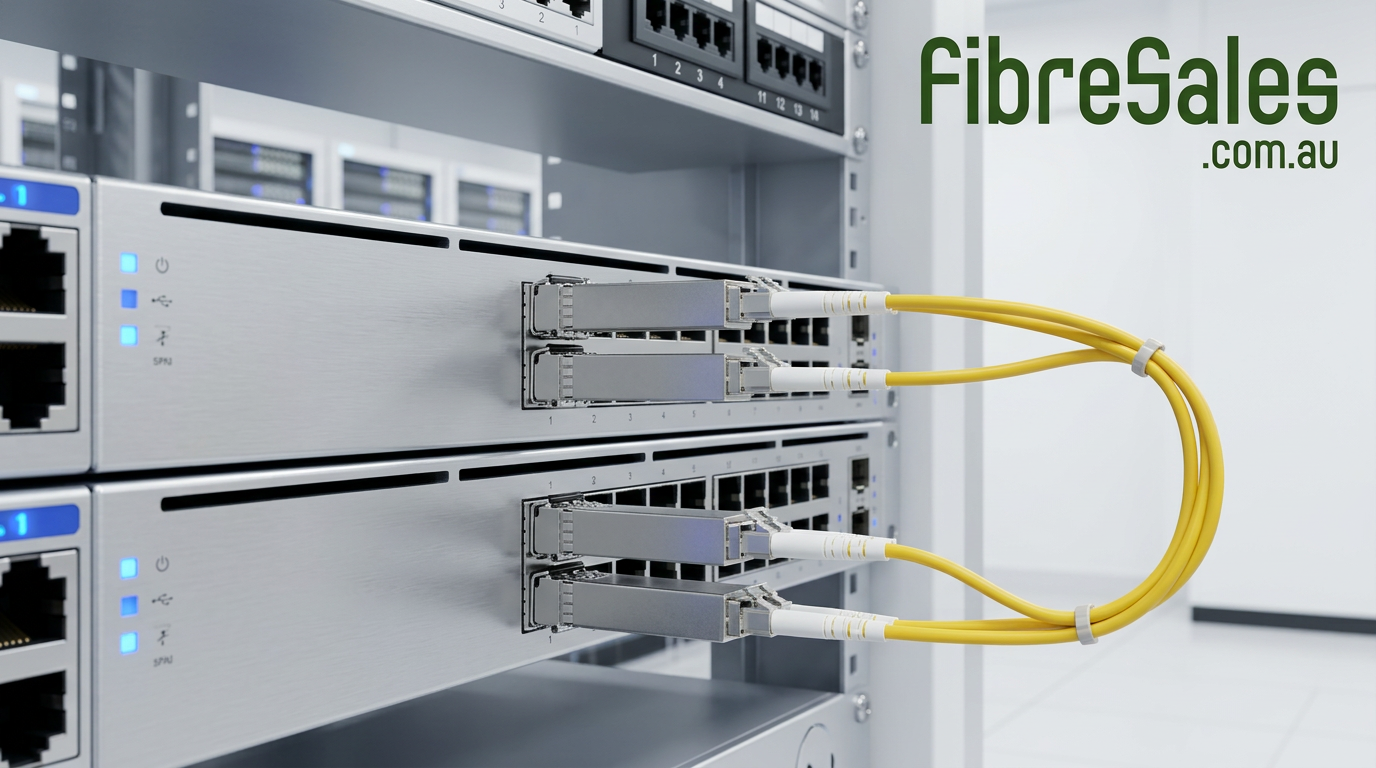
Copper Ethernet has trained many network installers to expect devices operating at different speeds to negotiate a common rate.
For example, a multi-rate copper Ethernet port may support several speeds and automatically establish the highest rate supported by both devices.
However, fibre SFP interfaces should not be treated the same way.
A 10G-capable physical port does not automatically mean that the port can operate at 1G. Instead, the host hardware, firmware and port configuration must explicitly support the lower operating rate.
Therefore, when a 1G SFP fails to establish a link in an SFP+ port, the problem may not involve the fibre or transceiver at all. The host port may simply lack support for 1G operation.
Physical Fit Is Not Auto-Negotiation
This distinction is particularly important because standard SFP and SFP+ modules use similar physical interfaces.
A technician may therefore insert a 1G SFP successfully into an SFP+ cage and assume the network equipment will automatically detect the lower speed.
That assumption can lead to unnecessary troubleshooting.
Before changing fibre, replacing transceivers or investigating optical loss, check whether the host documentation specifically lists the required module and operating speed.
When Can 1G and 10G Ports Work Together?
Although a 1G module will not operate in every 10G port, several network designs can accommodate equipment operating at different speeds.
1. Dual-Rate SFP/SFP+ Ports
Some switches, routers and other network devices provide ports capable of operating at more than one rate.
A compatible dual-rate port may operate at 1G when a supported Gigabit SFP is installed and at 10G when a supported SFP+ module is installed.
However, support varies between devices.
Check:
- supported port speeds
- compatible transceiver types
- required port configuration
- firmware restrictions
- manufacturer compatibility requirements
Do not assume dual-rate capability from the appearance of the SFP cage.
2. Network Equipment That Bridges Different Speeds
Two end devices do not need identical access-port speeds when an intermediate Ethernet device performs switching between them.
For example, a switch can receive traffic through a 1G interface and forward it through a 10G uplink, provided the switch and interfaces support those operating modes.
This differs from trying to connect a 1G optical PHY directly to a 10G-only optical PHY.
The switching device terminates one Ethernet link and creates another rather than attempting to make the two incompatible physical interfaces communicate directly.
3. Suitable Media Conversion Equipment
In some applications, appropriate conversion equipment can provide an interface between network segments that use different physical media or operating requirements.
However, not every device marketed as a media converter performs rate conversion.
A conventional media converter may simply convert the physical medium while retaining the same Ethernet speed. Therefore, if the application specifically requires 1G-to-10G rate conversion, verify that the selected equipment explicitly supports that function.
This corrects an important weakness in the old article, which implied that any media converter could automatically bridge a 1G device to a 10G device.
4. Redesigning the Link for Matching Speeds
For permanent infrastructure, matching the intended operating speed end-to-end is often the cleaner solution.
For example:
Legacy link:
1G host → 1G SFP → fibre → 1G SFP → 1G host
10G upgraded link:
10G host → 10G SFP+ → suitable fibre → 10G SFP+ → 10G host
This approach removes unnecessary conversion points and makes the network easier to document and troubleshoot.
When Should You Stay With 1G?
Upgrading every fibre link to 10G is not automatically necessary.
A 1G connection can remain appropriate when:
- existing bandwidth comfortably meets demand
- connected equipment supports only Gigabit Ethernet
- the link serves relatively low-bandwidth equipment
- there is no measurable network bottleneck requiring an upgrade
- replacing equipment would provide little practical benefit
In these situations, compatible 1.25G SFP transceivers can support appropriate Gigabit Ethernet fibre applications without introducing unnecessary 10G hardware.
When Does a 10G Upgrade Make Sense?
A 10G link becomes more attractive when Gigabit Ethernet creates a genuine capacity constraint.
Typical examples include:
- switch-to-switch uplinks carrying aggregated traffic
- server and storage connectivity
- data-centre infrastructure
- high-capacity network backbones
- links supporting many downstream users
- applications regularly approaching the practical capacity of existing 1G connections
However, upgrading the transceivers alone is not enough.
The switches, ports, transceivers, fibre infrastructure and connected equipment must support the planned 10G application.
For compatible optical links, fibreSales supplies 10G SFP+ transceivers.
1G vs 10G Ports: Upgrade Decision Table
| Network situation | Likely approach | Why |
|---|---|---|
| Existing 1G link has sufficient capacity | Retain 1G | Avoid unnecessary upgrade cost |
| New switch has dual-rate SFP/SFP+ ports | Verify whether existing 1G SFPs are supported | Allows staged migration where supported |
| New port is 10G-only | Use compatible 10G equipment or redesign the connection | 1G SFP will not create a supported 1G mode |
| Backbone regularly approaches 1G capacity | Consider 10G | Provides substantially greater link capacity |
| One device is 1G and another interface is 10G-only | Use appropriate switching/rate-conversion architecture | Direct PHY connection is unsuitable |
| Existing fibre will remain in service | Verify the specific 10G optical standard against the installed fibre | Fibre type and link characteristics affect supported reach |
Engineering Decision: Upgrade the Bottleneck, Not the Label
The presence of an SFP+ port does not mean a network needs to operate at 10G.
First identify where traffic is constrained.
If a 1G access link rarely approaches its available capacity, replacing it with 10G may deliver little practical improvement. Conversely, a heavily utilised switch uplink aggregating traffic from many devices may benefit substantially from additional bandwidth.
Therefore, base the upgrade on traffic requirements, equipment capability and link design, rather than choosing 10G simply because it is faster.
Real-World Contractor Scenario
Consider a contractor replacing an older network switch while the customer’s existing remote fibre links still operate at 1G.
The existing fibres and Gigabit SFPs are functioning correctly. Meanwhile, the replacement switch provides SFP+ cages that physically accept the old modules.
The contractor inserts a 1G SFP into the new switch.
No link appears.
At this point, replacing patch leads or assuming that the SFP has failed could waste considerable time.
Instead, the contractor checks the new switch specifications and discovers that the particular port is configured for, or limited to, an operating mode that does not support the installed 1G transceiver.
The correct next step depends on the equipment.
If the port supports 1G operation, the technician can follow the manufacturer’s requirements for the supported module and port configuration.
If the interface is genuinely 10G-only, the network design must change. That may involve upgrading the equipment at the opposite end, selecting another suitable port or introducing equipment specifically designed to bridge the different link requirements.
This example demonstrates why port capability should be checked before optics are purchased or moved between switches.
Common 1G vs 10G Upgrade Mistakes
Assuming Every SFP+ Port Supports 1G
Some do; others do not.
Always check the specifications of the exact host device.
Assuming a 10G SFP+ Will Make a 1G Port Faster
It will not.
The host port determines the supported operating modes. Installing a faster transceiver cannot add a 10G capability that the network equipment does not provide.
Assuming the Same Connector Means Compatibility
LC connectors can appear on both 1G and 10G optical modules.
The connector only describes part of the physical interface. Speed, wavelength, fibre type, reach and host compatibility still need to match.
Replacing Fibre Before Checking the Port
When a migrated SFP link fails, technicians can waste time investigating fibre that was working before the equipment change.
Check the host port, module support and configuration early in the troubleshooting process.
Assuming Any Media Converter Changes 1G Into 10G
Many media converters convert media, not Ethernet rate.
If different link speeds must be interconnected, select equipment that explicitly supports the required switching or rate-conversion function.
Upgrading Only One End
A successful 10G fibre upgrade requires a compatible end-to-end design.
Changing one transceiver does not automatically convert the other endpoint, host port or optical system to 10G.
1G vs 10G and Fibre Compatibility
An existing fibre cable does not become obsolete merely because network speed increases. However, the installed fibre must support the particular optical application and required distance.
For example, 1G and 10G short-reach multimode applications have different reach specifications depending on the fibre type.
Likewise, singlemode applications must use appropriate transceivers and remain within the optical requirements of the link.
Therefore, before replacing 1G optics with 10G optics, verify:
- installed fibre type
- link length
- connector condition
- required 10G optical standard
- transceiver wavelength
- optical loss where relevant
Do not base the decision solely on the fact that the existing fibre currently carries 1G successfully.
For the broader transceiver selection process, including fibre type, wavelength, reach, BiDi and host compatibility, see SFP Transceivers Explained.