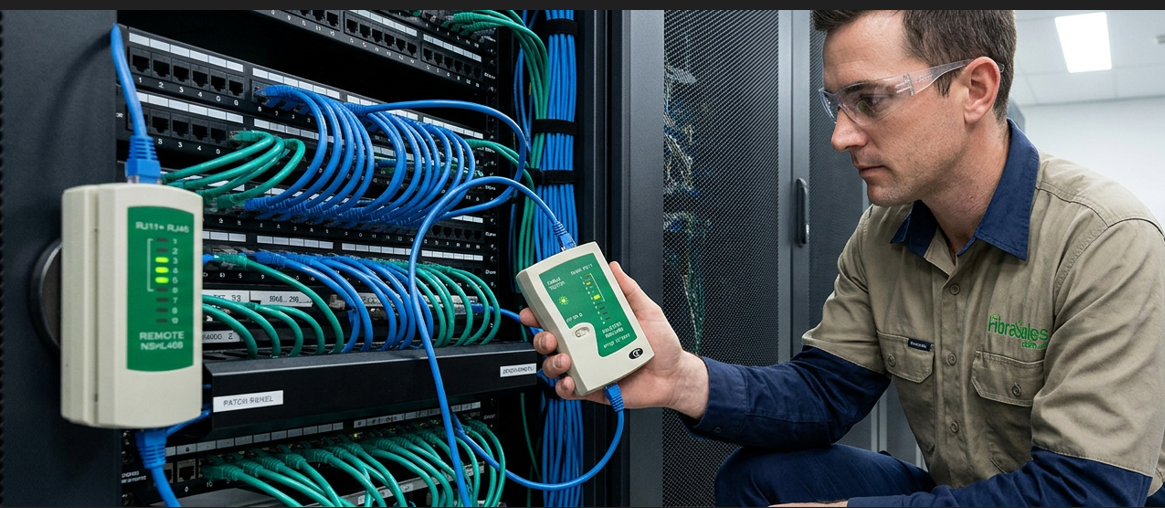
Fibre Connector Troubleshooting Guide
INTRODUCTION
Fibre connector performance is one of the most critical factors in maintaining stable optical network links. Many fibre faults originate at the connector interface rather than the fibre cable itself.
In real-world environments, connector issues typically result from contamination, physical damage, poor termination, or incorrect handling practices.
This guide explains how technicians identify and resolve common fibre connector problems using structured diagnostic methods.
Common Fibre Connector Problems
Fibre connector issues usually present as:
- intermittent link failure
- increased insertion loss
- unstable transceiver performance
- high reflectance readings
- complete signal loss
These symptoms often indicate localised connector faults rather than full fibre failure.
Dirty or Contaminated Fibre Connectors
Contamination is the most common cause of connector failure in fibre networks.
Even microscopic dust or oil can significantly disrupt optical transmission.
Common symptoms
- fluctuating signal strength
- failed OTDR connector event
- unstable high-speed links
- elevated insertion loss
Troubleshooting steps
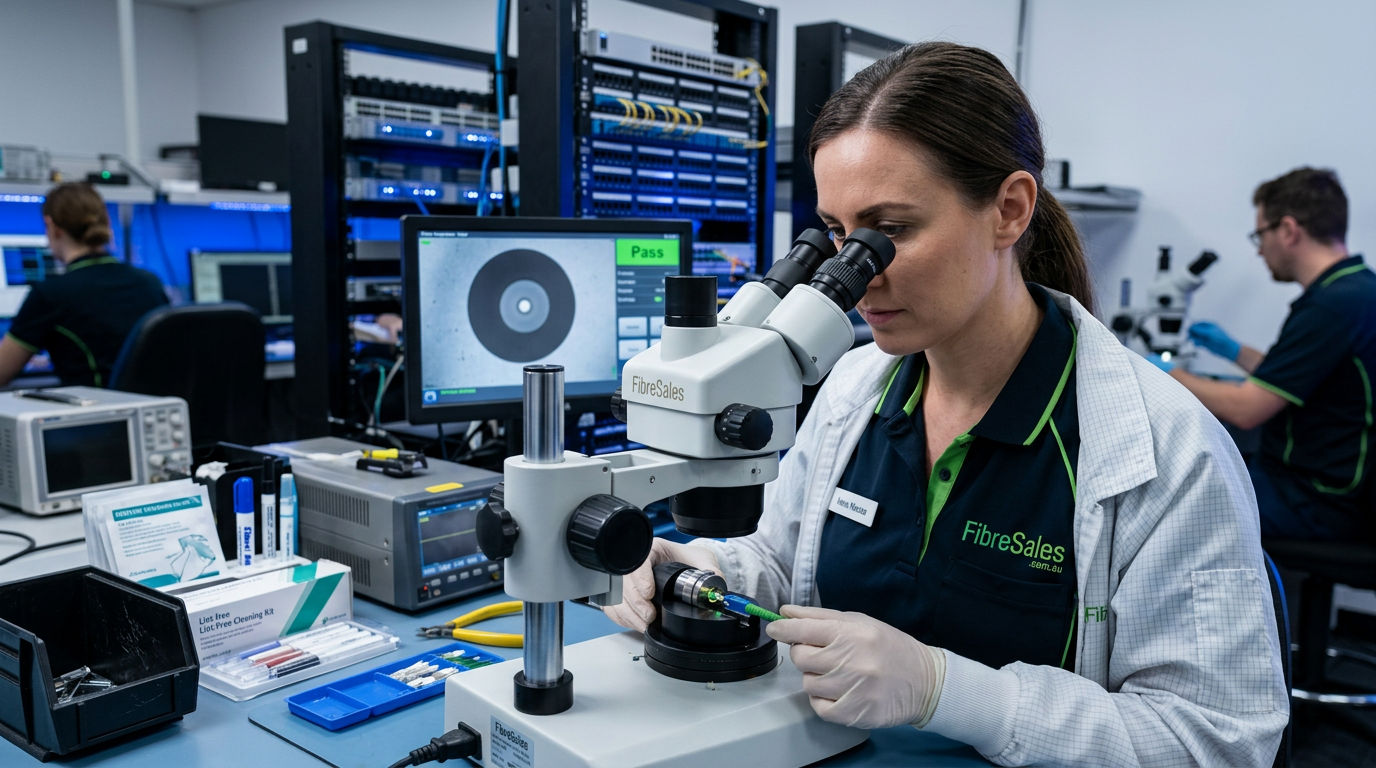
- inspect connector end face using microscope
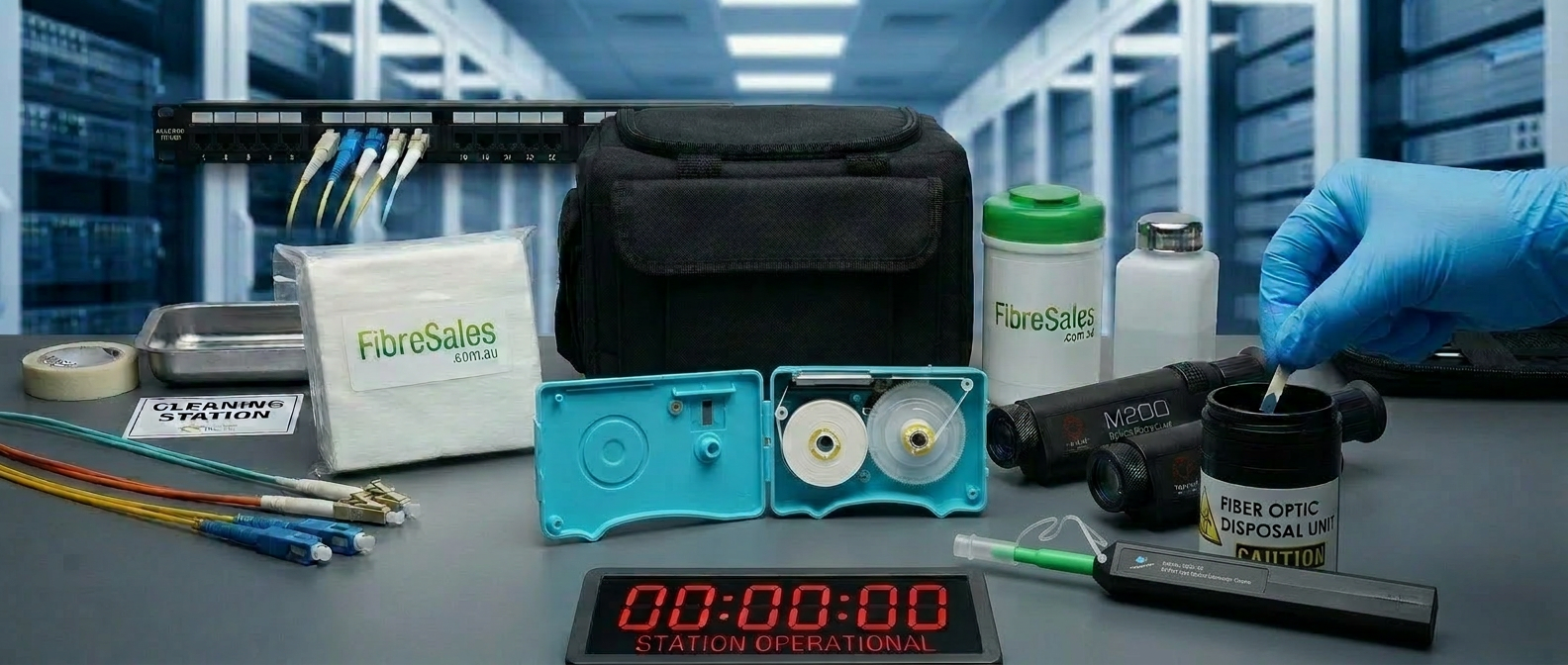
- clean using approved fibre cleaning tools
- re-inspect before reconnection
- retest link performance
Related guide:
https://fibresales.com.au/fibre-optic-cleaning/
Industry reference:
https://www.thefoa.org/
Physical Damage to Fibre Connectors
Connector damage can occur due to improper handling or repeated mating cycles.
Common causes
- scratched ferrule surface
- cracked connector housing
- worn polishing surface
- excessive mating force
Common symptoms
- persistent high insertion loss
- unstable optical readings
- failure to pass certification tests
Troubleshooting approach
Damaged connectors cannot typically be repaired and must be replaced or re-terminated.
High Insertion Loss at Connector Points
Insertion loss issues often indicate poor alignment or contamination.
IL=Pin−PoutIL = P_{in} – P_{out}
Where IL represents insertion loss.
Common causes
- poor mating alignment
- debris on ferrule
- incorrect connector type pairing
- worn connector interfaces
Troubleshooting steps
- test individual link segments
- isolate connector pairs
- clean and retest
- verify connector compatibility
Related guide:
https://fibresales.com.au/insertion-loss-fibre-optics/
Reflectance and Return Loss Issues
Reflectance occurs when light is reflected back toward the source due to connector imperfections.
Common symptoms
- unstable transceiver behaviour
- degraded high-speed performance
- OTDR reflection spikes
Common causes
- poor polishing quality
- air gaps in connector mating
- damaged ferrule end face
Troubleshooting steps
- inspect connector polish quality
- verify correct mating pressure
- replace damaged connectors if required
Incorrect Connector Types or Mismatches
Connector mismatch is a frequent issue in mixed infrastructure environments.

Examples
- LC connected to incompatible adapter
- UPC vs APC mismatch
- incorrect polarity in MPO systems
Troubleshooting steps
- verify connector type compatibility
- check polarity configuration
- standardise connector systems across infrastructure
Related guide:
https://fibresales.com.au/fibre-optic-connectors-guide/
Fibre Connector Handling and Maintenance Issues
Poor handling practices can degrade connector performance over time.
Common mistakes
- touching ferrule end face
- storing connectors without dust caps
- repeated dirty mating cycles
- excessive connector force
Best practice
- always inspect before mating
- clean before every connection
- use protective caps when not in use
Structured Connector Troubleshooting Process
Professional troubleshooting follows a consistent workflow:
- Visual inspection
- End-face cleaning
- Continuity testing
- Insertion loss measurement
- OTDR event analysis
- Replacement or re-termination if required
This reduces unnecessary replacement of non-faulty components.
Real-World Engineering Insight
Most connector failures are not hardware defects but environmental or handling issues.
Technicians prioritise:
- cleanliness over replacement
- inspection before rework
- isolation of connector pairs before diagnosing fibre faults
This approach reduces downtime and improves fault resolution accuracy.
For fibre connectors, cleaning tools, inspection microscopes, and fibre network solutions, visit www.fibresales.com.au